Karaoke Video Editor
Edit and customize karaoke videos with full control over timing, styling, and layout
This tool works best on a computer. Visit this page on desktop for the full experience.
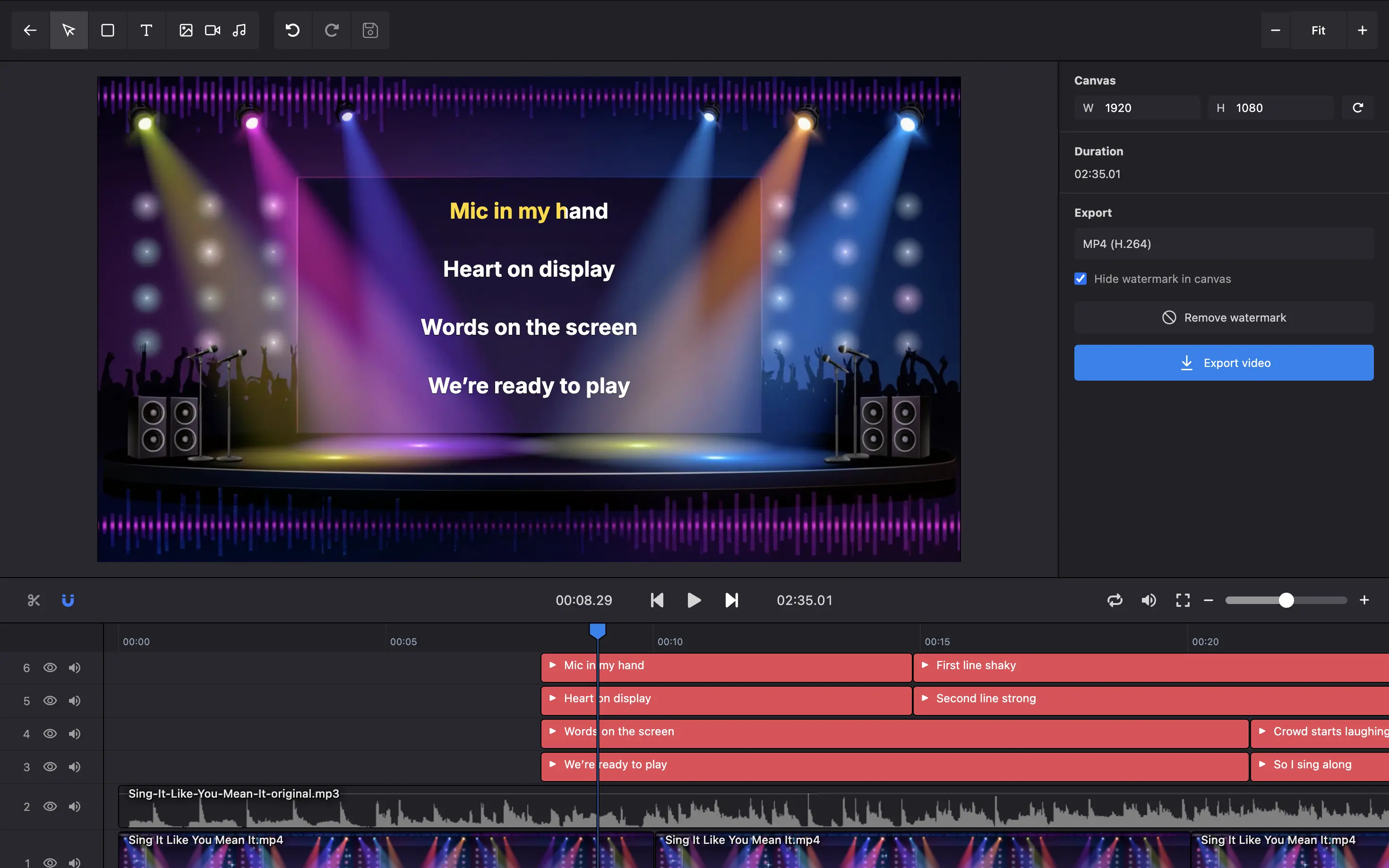
All-in-One Karaoke Editor
Everything you need in one place. Edit lyrics timestamps with precision, add custom backgrounds using images, videos, text, or shapes. Customize karaoke highlight effects, choose from a variety of fonts, adjust colors and styles. Create professional karaoke videos without switching between tools.
Karaoke Display Modes
Choose the perfect style for your karaoke video. Classic multi-line mode shows multiple lines at once, single-line mode focuses on one line at a time, and duet mode splits the screen for two singers. Each mode is fully customizable with your choice of fonts, colors, and effects.
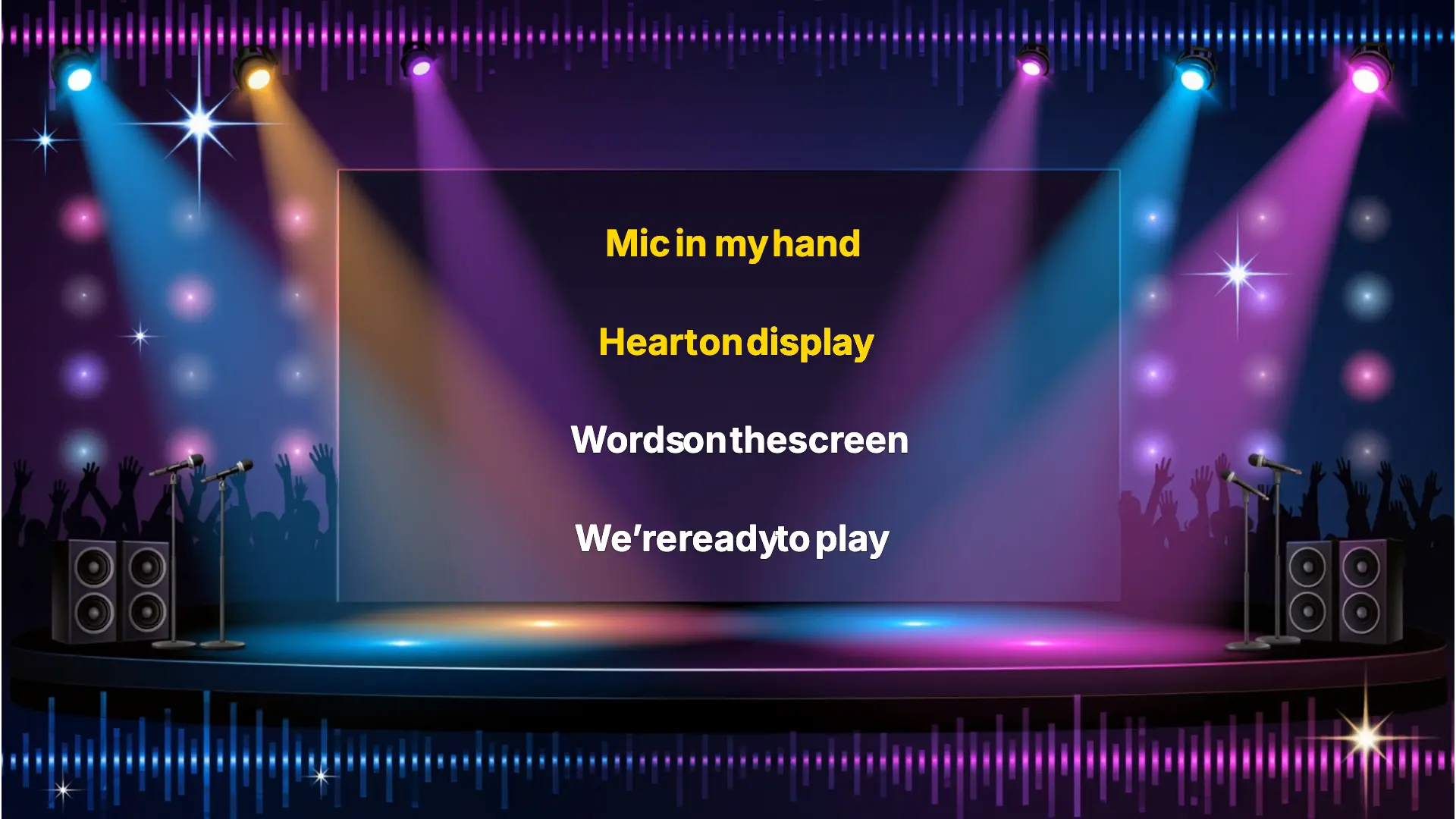
Precision Timeline Editor
Fine-tune every detail with our powerful timeline editor. Edit line-level timing to control when each lyric appears, or dive deeper with word-level timing for perfect syllable-by-syllable synchronization. Both are fully editable with intuitive drag-and-drop controls.
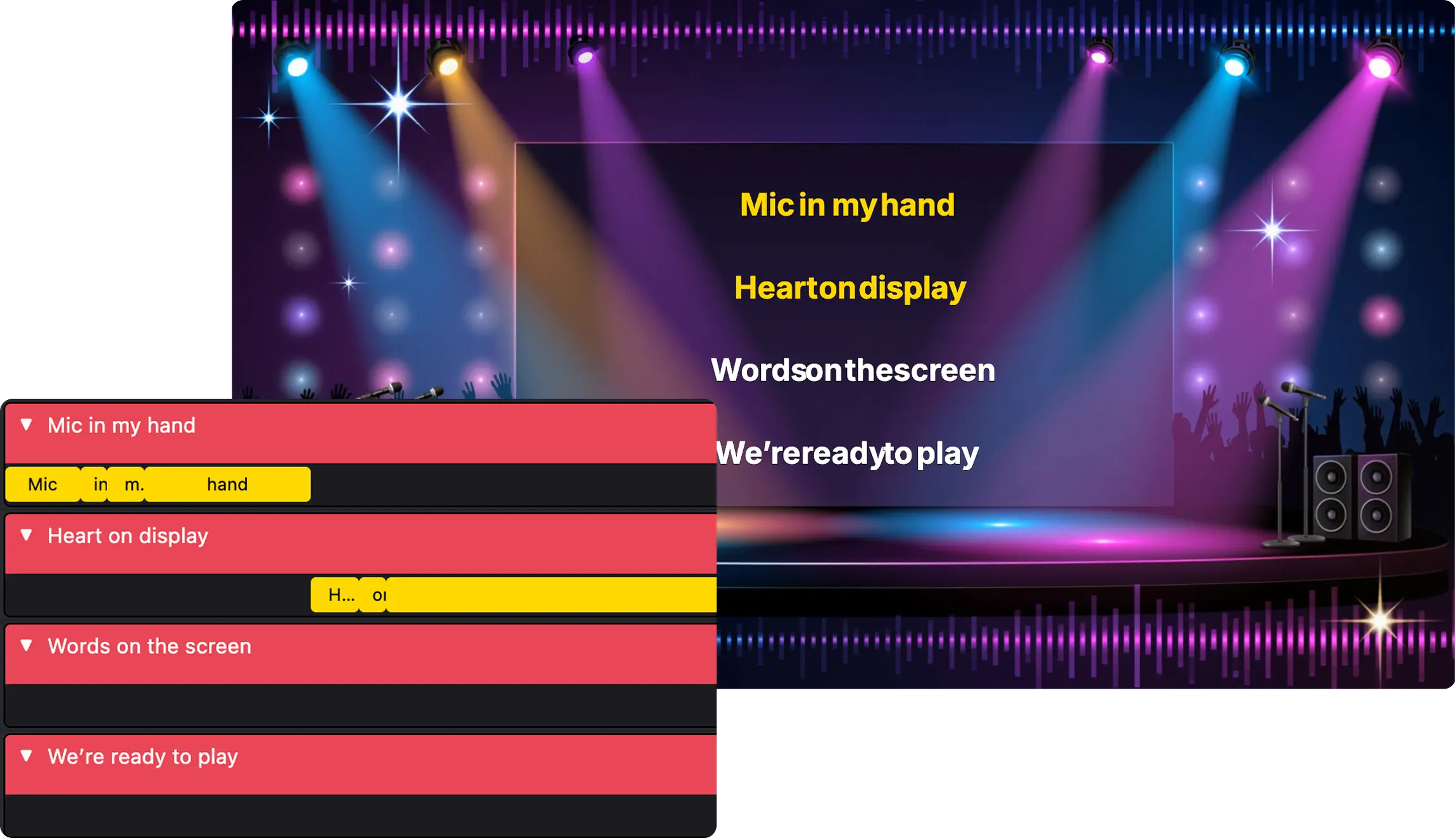
Multiple Display Modes
Choose from classic multi-line, single-line, or duet styles with customizable fonts, colors, and effects.
LRC, WebVTT, ASS Support
Import LRC, VTT, or ASS files with word-level timing. All timestamps are fully editable in the timeline.
Custom Background
Add images, videos, or solid colors as your background. Layer multiple elements for creative designs.
Online Karaoke Editor
No downloads required. Access your projects from any device, anywhere with an internet connection.
Free to Use
Free to use with watermark at any resolution. No signup needed. Upgrade to remove watermarks.
HD Export
Export your karaoke videos in high definition. Ready to share on YouTube, social media, or anywhere.
Upload your audio or video
Add your music file from your computer or any device. Supports MP3, WAV, MP4, and more.
Add and sync lyrics
Export your karaoke video
Frequently Asked Questions
What is a karaoke video editor?
A karaoke video editor is a tool that lets you customize and fine-tune videos with synchronized lyrics that highlight word-by-word as the song plays. Karadeo gives you full control over timing, styling, and layout to create professional karaoke videos.